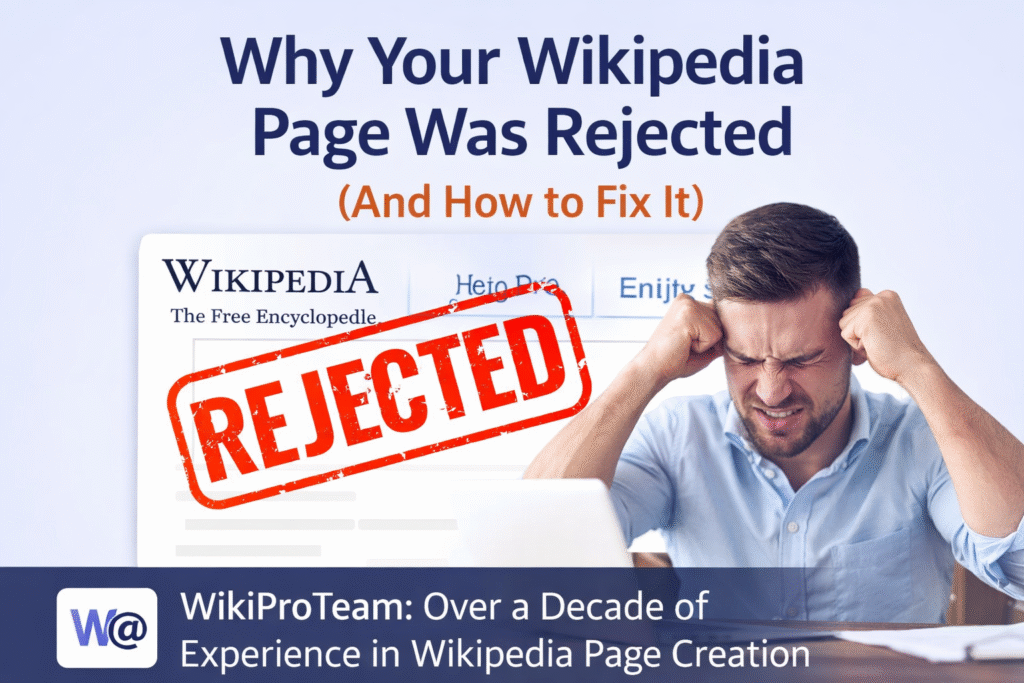
Getting a page published on Wikipedia can be a major milestone for personal branding, business credibility, or public recognition. However, many people face a frustrating reality—their Wikipedia page gets rejected.
If that has happened to you, you’re not alone. Thousands of submissions are declined every day due to strict editorial guidelines.
In this article, we’ll explain why Wikipedia pages get rejected, how you can fix the issues, and what to do next.
Common Reasons Why Wikipedia Pages Get Rejected
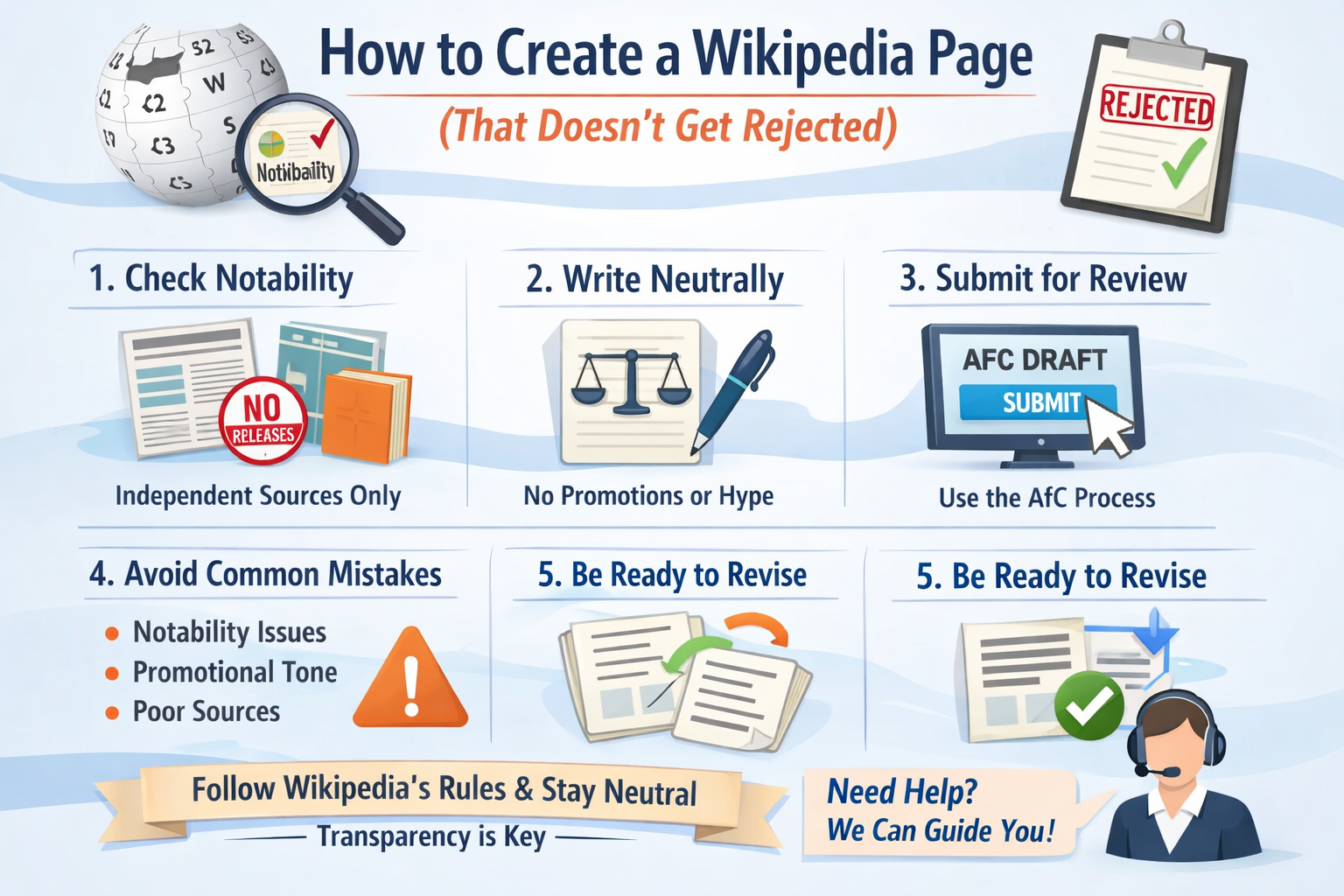
1. Lack of Notability
Wikipedia requires subjects to meet strict notability standards.
This means:
- Significant coverage in reliable, independent sources
- Not just press releases or self-published content
If your profile lacks third-party media coverage, your page will likely be declined.
2. Promotional or Biased Content
Wikipedia is not a marketing platform.
Content that:
- Sounds like an advertisement
- Uses phrases like “leading expert” or “top company”
- Lacks neutrality
…will almost always be rejected.
3. Poor or No Citations
Every claim on Wikipedia must be backed by reliable sources.
Weak sources include:
- Personal websites
- Social media
- Paid PR articles
Without strong references, your page won’t survive review.
4. Conflict of Interest (COI)
If you’re writing about yourself or your own business, it creates a conflict of interest.
Wikipedia editors are very strict about this and may reject or flag the page immediately.
5. Technical Formatting Issues
Even if your content is good, poor formatting can lead to rejection:
- Incorrect citation style
- Missing sections
- Not following Wikipedia structure
What Happens After Rejection?
When your page is rejected:
- It may be declined (you can improve and resubmit)
- Or deleted (harder to recover)
Repeated mistakes can make future approvals more difficult.
How to Fix a Rejected Wikipedia Page
Step 1: Improve Notability
Focus on getting featured in:
- News publications
- Industry blogs
- Independent media
Step 2: Rewrite in a Neutral Tone
Remove all promotional language and:
- Stick to facts
- Use third-party references
Step 3: Add High-Quality Sources
Use:
- Recognized media outlets
- Interviews
- Independent coverage
Step 4: Follow Wikipedia Guidelines
Carefully review:
- Notability guidelines
- Verifiability policies
- Neutral point of view
Need Expert Help?
Fixing a rejected Wikipedia page is not easy—especially if it has already been flagged or deleted.
This is where professional expertise can make a difference.
WikiProTeam, with over a decade of experience, specializes in:
- Evaluating notability
- Fixing rejected drafts
- Creating compliant, high-quality Wikipedia pages
- Navigating complex approval processes
If your page has been rejected, getting expert guidance can significantly improve your chances of approval while avoiding further issues.
Pro Tip: Avoid Rejection from the Start
Before submitting a Wikipedia page:
- Ensure strong media coverage
- Write in a neutral, encyclopedic tone
- Use credible citations
- Avoid self-promotion
Final Thoughts Why your Wikipedia page was rejected and can you recreate it?
A rejected Wikipedia page doesn’t mean it’s the end—it means something needs to be fixed.
By understanding the reasons behind rejection and following the correct process, you can improve your chances of success.
And if the process feels overwhelming, working with experienced professionals like WikiProTeam can save time, effort, and repeated rejections.